178 Students
The Touch Typing course is designed to help learners develop fast and accurate keyboard typing skills, essential in today’s digital workplaces across Canada. It focuses on building proper finger placement, speed, and accuracy for everyday computer use in offices, schools, and remote work environments. This course is suitable for beginners, students, and professionals who want to improve their typing efficiency. …

The Touch Typing course is designed to help learners develop fast and accurate keyboard typing skills, essential in today’s digital workplaces across Canada. It focuses on building proper finger placement, speed, and accuracy for everyday computer use in offices, schools, and remote work environments.
This course is suitable for beginners, students, and professionals who want to improve their typing efficiency. Learners develop muscle memory, accuracy, and speed through structured drills. These skills are widely used in administrative jobs, data entry, customer service, healthcare administration, and remote office roles across Canada.
With a simple step-by-step online structure, learners can practice at their own pace and steadily improve typing performance. The course helps build confidence in computer-based tasks and supports better productivity in modern workplaces. Start improving your digital skills today and strengthen your career readiness in Canada.
All of our courses, including this Touch Typing, are fully accredited, providing you with up-to-date skills and knowledge and helping you to become more competent and effective in your chosen field.
All of our courses are accredited by the CPD Certification Service as conforming to universally accepted Continuing Professional Development (CPD) guidelines.
The Quality Licence Scheme (QLS) is a trusted endorsement framework that certifies high-quality, non-regulated training programmes across various sectors.

The Association of Healthcare Trainers (AoHT) promotes high-quality healthcare training, supporting providers to deliver relevant, industry-aligned education and improve professional standards.

Once you’ve successfully completed your course, you will immediately be sent a digital certificate. Also, you can have your printed certificate delivered by post (shipping cost £3.99). All of our courses are fully accredited, providing you with up-to-date skills and knowledge and helping you to become more competent and effective in your chosen field.
The detailed curriculum outline of our Touch Typing Course is as follows:
This module introduces learners to the fundamentals of touch typing and how it improves digital efficiency in everyday computer use. It covers correct sitting posture, hand positioning, and ergonomic keyboard setup to support comfortable typing. Learners also understand how finger placement affects speed and accuracy. This foundation prepares them for structured typing practice in later modules.
This module focuses on mastering the home row keys, which are the central reference point in touch typing. Learners practice placing each finger correctly on the keyboard without looking at the keys. Repeated exercises help build muscle memory and reduce typing hesitation. It is an essential step for developing speed and accuracy.
In this module, learners begin expanding beyond the home row by introducing new letters. Practice drills help improve finger movement between different key zones. Learners develop coordination between both hands while maintaining accuracy. This stage strengthens early typing confidence and control.
This module introduces additional letters along with the use of shift keys for capital letters. Learners practice combining uppercase and lowercase typing in structured exercises. The focus is on improving accuracy while increasing typing complexity. It helps learners become more comfortable with real-world typing tasks.
This module strengthens typing ability through additional practice involving punctuation and new letter combinations. Learners focus on improving rhythm and reducing typing errors. The inclusion of the full stop helps build sentence awareness. It enhances smooth typing flow and precision.
In this module, learners work on comma usage along with new key drills. Practice exercises improve sentence structure awareness and typing control. Learners begin developing more natural typing patterns. This module improves both accuracy and reading flow during typing.
This module introduces additional letter combinations that require more finger movement. Learners practice coordination between both hands for better balance. Exercises are designed to improve speed while maintaining accuracy. It strengthens overall keyboard familiarity.
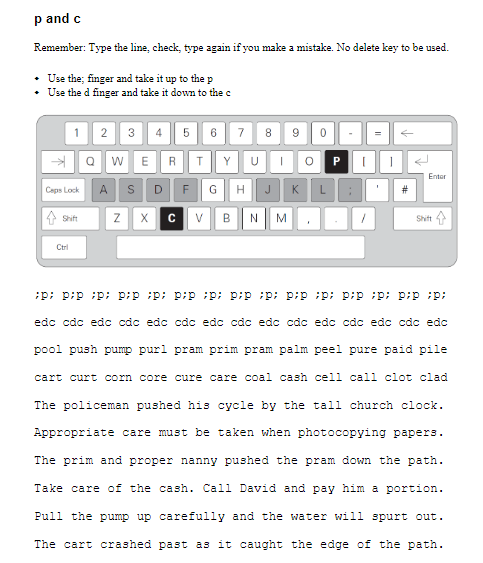
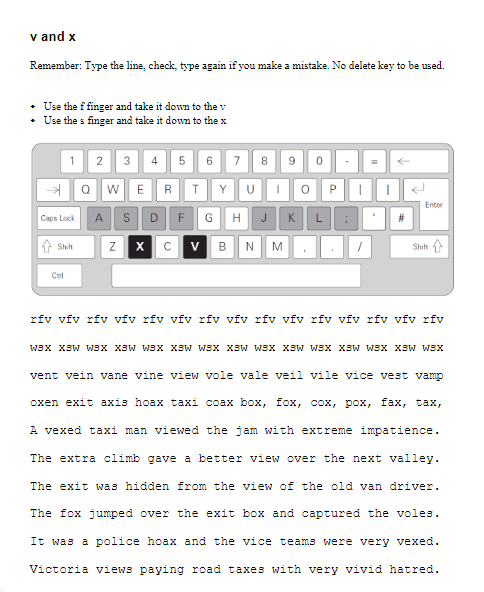
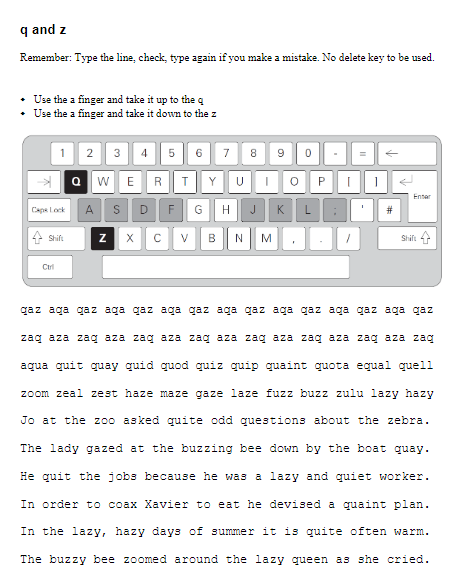
This module focuses on less frequently used letters to improve full keyboard coverage. Learners develop precision and reduce hesitation when reaching distant keys. Repetitive drills help improve confidence and control. It prepares learners for complete keyboard mastery.
This module applies typing skills to full sentences, helping learners transition from isolated keys to real text. It focuses on speed, accuracy, and natural typing flow. Learners begin developing real-world typing habits. This is an important step toward workplace-level typing.
This module introduces number typing and numeric accuracy practice. Learners work with figures commonly used in office and data tasks. Exercises help improve speed when switching between letters and numbers. It builds essential skills for administrative work.
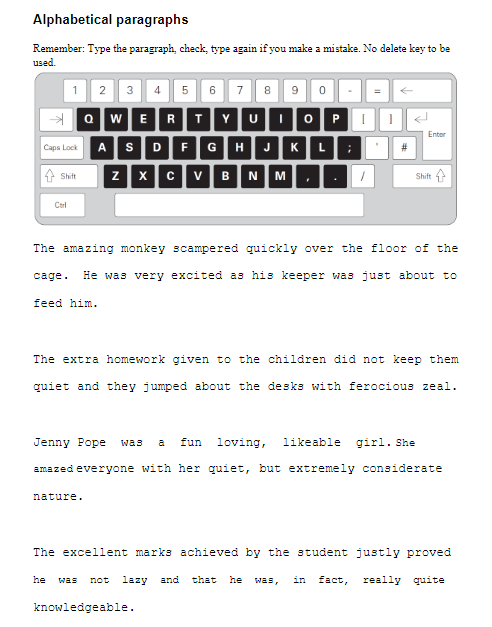
This module involves typing structured paragraphs using a combination of all previously learned keys. Learners practice maintaining consistency over longer text inputs. It improves endurance, accuracy, and typing speed. This module prepares learners for professional typing environments.
The final module reviews all key typing techniques covered throughout the course. Learners reflect on progress in speed, accuracy, and confidence. It reinforces correct finger placement and typing habits. This module ensures readiness for real-world typing tasks.
Typically, there are no formal prerequisites for Touch Typing training. However, basic computer knowledge is beneficial.
The main objective is to improve accuracy and speed by teaching proper finger placement (home row) and technique, reducing reliance on the “hunt and peck” method.
Participants often receive a certificate of completion
Learning the basics of touch typing takes 1–4 weeks of consistent practice, while reaching moderate to high speeds (40-60+ WPM) typically takes 1–3 months. A “little and often” approach—15 to 30 minutes daily—is more effective than long, infrequent sessions.
Most employers will accept certificates from well-recognized platforms. However, some employers may require in person typing tests or prefer proctored tests for added validity. American Standard Typing Tests are all virtually proctored by name and are conducted over a 5-minute period, which is the industry standard.
Earnings vary by country and employer. Many ESL teachers earn between $22–$35 per hour, with additional benefits like housing or travel allowances in some locations.
| Touch Typing | |||
| Module 01: Getting Started | 00:05:00 | ||
| Module 02: DRILL 1 the home keys | 00:05:00 | ||
| Module 03: DRILL 2 e and i, g and h | 00:05:00 | ||
| Module 04: DRILL 3 o and n, shift keys and t | 00:05:00 | ||
| Module 05: DRILL 4 extra practice . and y | 00:05:00 | ||
| Module 06: DRILL 5 , and w | 00:05:00 | ||
| Module 07: DRILL 6 m and u | 00:05:00 | ||
| Module 08: DRILL 7 v and x | 00:05:00 | ||
| Module 09: DRILL 8 sentence drills | 00:05:00 | ||
| Module 10: DRILL 9 figures | 00:05:00 | ||
| Module 11: DRILL 10 alphabetical paragraphs | 00:05:00 | ||
| Module 12: Recap | 00:05:00 | ||
| Trust Pilot Review | |||
| Trust Pilot Review | 00:00:00 | ||
$125 Original price was: $125.$20Current price is: $20. ex VAT
SAVE 84% - OFFER ENDS SOON
![]() |
01 Year of full Course access
Intermediate
Endorsed Certificate of Compleiton