1 Students
Advanced Excel 2016 Online Training Course teaches you everything on the topic thoroughly from scratch so you can achieve a professional certificate for free to showcase your achievement in professional life. This Advanced Excel 2016 Training Course is a comprehensive, instructor-guided course, designed to provide a detailed understanding of the nature of the related sector and your key roles within …

Advanced Excel 2016 Online Training Course teaches you everything on the topic thoroughly from scratch so you can achieve a professional certificate for free to showcase your achievement in professional life. This Advanced Excel 2016 Training Course is a comprehensive, instructor-guided course, designed to provide a detailed understanding of the nature of the related sector and your key roles within it.
To become successful in your profession, you must have a specific set of skills to succeed in today’s competitive world. In this in-depth training course, you will develop the most in-demand skills to kickstart your career, as well as upgrade your existing knowledge & skills.
The training materials of this Advanced Excel 2016 Online Training Course are available online for you to learn at your own pace and fast-track your career with ease.
Anyone with a knack for learning new skills can take this Advanced Excel 2016 Online Training Course. While this comprehensive training is popular for preparing people for job opportunities in the relevant fields, it also helps to advance your career for promotions.
Once you’ve successfully completed your Advanced Excel 2016 Course, you will immediately be sent a digital certificate. Also, you can have your printed certificate delivered by post (shipping cost £3.99). Our certifications have no expiry dates, although we do recommend that you renew them every 12 months.
All of our courses, including this Advanced Excel 2016 Online Training Course, are fully accredited, providing you with up-to-date skills and knowledge and helping you to become more competent and effective in your chosen field.
At the end of the Advanced Excel 2016 Course, there will be an online assessment, which you will need to pass to complete the course. Answers are marked instantly and automatically, allowing you to know straight away whether you have passed. If you haven’t, there’s no limit on the number of times you can take the final exam. All this is included in the one-time fee you paid for the course itself.
| Introduction | |||
| Introduction | 00:01:00 | ||
| Using Advanced IF Statements | |||
| Summarize Data with SUMIF | 00:04:00 | ||
| Summarize Data with AVERAGIF | 00:03:00 | ||
| Summarize Data with COUNTIF | 00:02:00 | ||
| Using Advanced Lookup Functions | |||
| Using VLOOKUP with TRUE to find an Approximate Match | 00:04:00 | ||
| Using HLOOKUP TRUE to find an Approximate Match | 00:01:00 | ||
| Using the Index Function | 00:03:00 | ||
| Using the Match Function | 00:02:00 | ||
| Creating a Combined Index and Match Formula | 00:04:00 | ||
| Comparing Two Lists with VLOOKUP | 00:02:00 | ||
| Comparing Two Lists with VLOOKUP and ISNA | 00:04:00 | ||
| Using Complex Logical and Text Functions | |||
| Creating a Nested IF Function | 00:03:00 | ||
| Using the IFERROR Function | 00:02:00 | ||
| Using the LEN Function | 00:02:00 | ||
| Using the TRIM Function | 00:01:00 | ||
| Using the Substitute Function | 00:02:00 | ||
| Formula Auditing | |||
| Showing Formulas | 00:01:00 | ||
| Tracing Cell Precedents and Dependents | 00:03:00 | ||
| Adding a watch Window | 00:02:00 | ||
| Error Checking | 00:02:00 | ||
| What-If Analysis Tools | |||
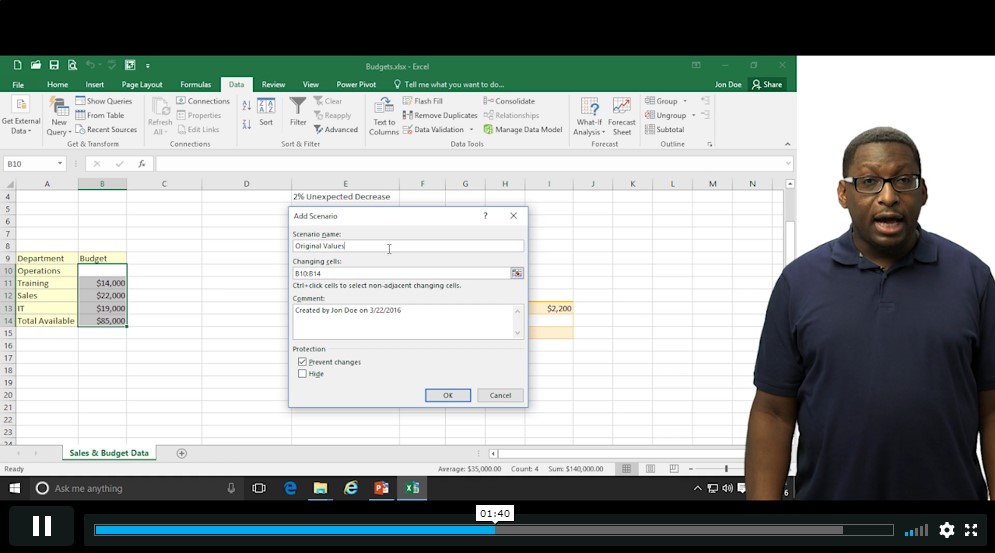
| Using the Scenario Manager | 00:03:00 | ||
| Using Goal Seek | 00:02:00 | ||
| Analyzing with Data Tables | 00:02:00 | ||
| Worksheet and Workbook Protection | |||
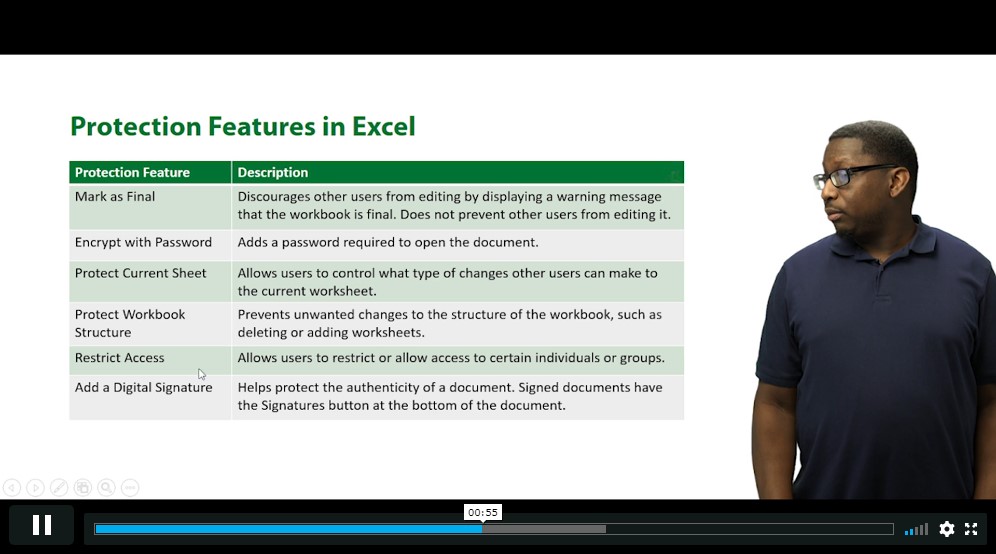
| Protection Overview | 00:02:00 | ||
| Excel File Password Encryption | 00:03:00 | ||
| Allowing Specific Worksheet Changes | 00:01:00 | ||
| Adding Protection to only Certain Cells in a Worksheet | 00:03:00 | ||
| Additional Protection Features | 00:02:00 | ||
| Advanced Use of PivotTables and PowerPivot | |||
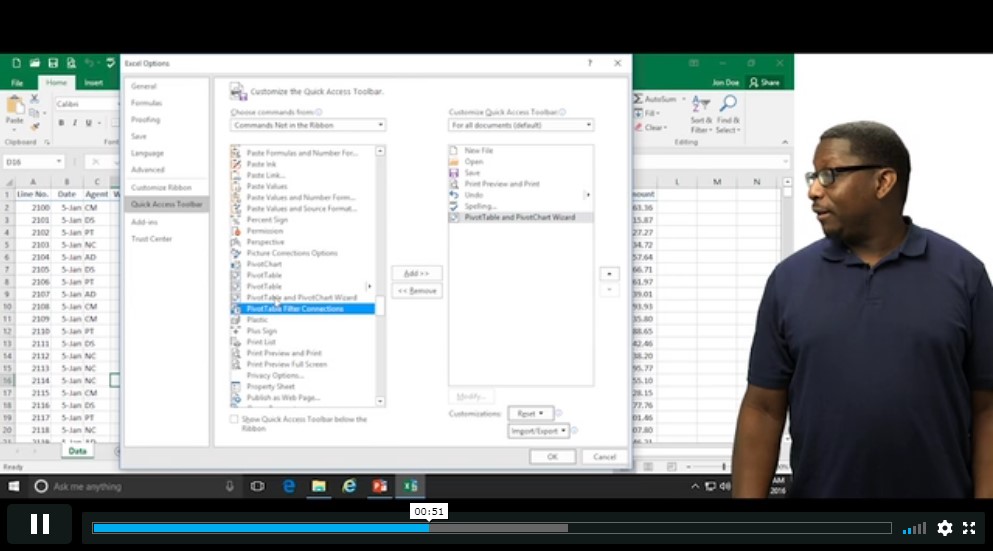
| Using the Pivot Tables Charts Wizard | 00:02:00 | ||
| Adding a Calculated Field | 00:02:00 | ||
| Adding a Caculated Item | 00:02:00 | ||
| Apply Conditional Formatting to a Pivot Table | 00:03:00 | ||
| Using Filters in the Pivot Table Fields Pane | 00:02:00 | ||
| Creating Filter Pages for a Pivot Table | 00:01:00 | ||
| Enabling a Power Pivot Add In | 00:04:00 | ||
| Automating with Macros | |||
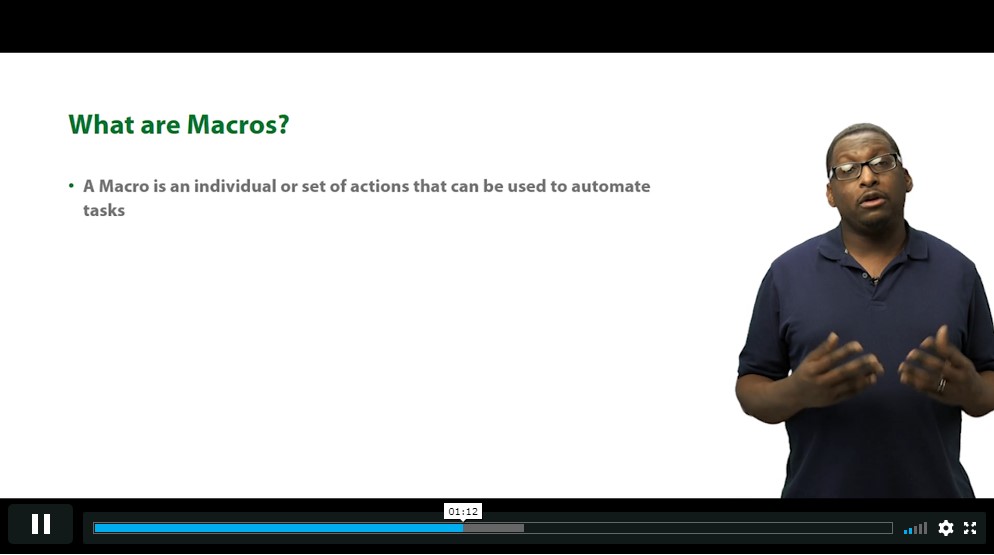
| What are Macros | 00:03:00 | ||
| Displaying the Developer Tab and Enabling Macros in Excel | 00:03:00 | ||
| Creating a Basic Formatting Macro | 00:03:00 | ||
| Running a Macro | 00:02:00 | ||
| Assigning a Macro to a Button | 00:02:00 | ||
| Creating a More Complex Macro | 00:02:00 | ||
| Viewing and Editing the VBA Code for an Existing Macro | 00:03:00 | ||
| Adding a Macro to the Quick Access Toolbar | 00:02:00 | ||
| Working with Form Controls | |||
| What are Form Controls | 00:02:00 | ||
| Adding Spin Buttons and Check Boxes to a Spreadsheet | 00:02:00 | ||
| Adding a Combo Box to a Spreadsheet | 00:02:00 | ||
| Ensuring Data Integrity | |||
| What is Data Validation | 00:01:00 | ||
| Restricting Data Entries to Whole Numbers | 00:02:00 | ||
| Data Validation Restricting Data Entry to a List | 00:01:00 | ||
| Data Validation Restricting Data Entry to a Date | 00:01:00 | ||
| Data Validation Restricting Data Entry to Different Text Lengths | 00:01:00 | ||
| Composing Input Messages | 00:02:00 | ||
| Composing Error Alters | 00:02:00 | ||
| Finding Invalid Data | 00:02:00 | ||
| Editing and Deleting Data Validation Rules | 00:01:00 | ||
| Collaborating in Excel | |||
| Working with Comments | 00:03:00 | ||
| Printing Comments and Errors | 00:02:00 | ||
| Sharing a Workbook | 00:03:00 | ||
| Tracking Changes in a Workbook | 00:03:00 | ||
| Working with Versions | 00:02:00 | ||
| Sharing Files via Email | 00:02:00 | ||
| Importing and Exporting Data to a Text File | |||
| Importing a Text File | 00:03:00 | ||
| Exporting a Text File | 00:01:00 | ||
| Conclusion | |||
| Course Recap | 00:01:00 | ||
PRIVATE
SAVE 0% - OFFER ENDS SOON
![]() |
01 Year of full Course access
Advance
Endorsed Certificate of Compleiton